
Ctrl+K
Panel 1.10.0b1.post1.dev31+g05db2c352 has just been released! Check out the release notes and support Panel by giving it a 🌟 on Github.
Panel v1.10.0b1 - Home Panel v1.10.0b1 - Home
  • Getting Started
  • Tutorials
  • Explanation
  • Component Gallery
  • How-to
    • App Gallery
    • API Reference
    • Community
    • Upgrade Guide
    • FAQ
    • About
    • Developer Guide
  • GitHub
  • Twitter
  • Discourse
  • Discord
  • Getting Started
  • Tutorials
  • Explanation
  • Component Gallery
  • How-to
  • App Gallery
  • API Reference
  • Community
  • Upgrade Guide
  • FAQ
  • About
  • Developer Guide
  • GitHub
  • Twitter
  • Discourse
  • Discord

FOR USERS

  • Getting Started
    • Installation
    • Build an App
    • Core Concepts
  • Tutorials
    • Basic Tutorials
      • Build Hello World App
      • Develop in a Notebook
      • Develop in an Editor
      • Display Content with pn.panel
      • Display Content with Panes
      • Display Performance with Indicators
      • Layout Content
      • Control the Size
      • Aligning Content
      • Accept Inputs with Widgets
      • React to User Input
      • Reactive Expressions
      • Utilize Templates
      • Apply a Design
      • Enhance the Style
      • Optimize Performance with Caching
      • Display Activity
      • Update Progressively
      • Build a Dashboard
      • Deploy a Dashboard
      • Build a Report
      • Build Animation
      • Build an Image Classifier
      • Build a Monitoring Dashboard
      • Build Crossfiltering Dashboard
      • Build Streaming Dashboard
      • Build a Chat Bot
      • Build a Todo App
    • Intermediate Tutorials
      • Reactive Parameters
      • Reusable Components
      • Interactivity
      • Structure with a DataStore
      • Develop in an Editor
      • Serve Apps
      • Advanced Layouts
      • Create a Form with HoloViz Panel
      • Build a Todo App
      • Testing the Todo App
      • Build a Server Side Video Camera Application
    • Expert Tutorials
      • Creating a MarioButton with AnyWidgetComponent
      • Creating a MarioButton with JSComponent
  • Explanation
    • Develop Seamlessly Across Environments
    • APIs
      • API context
        • Param in Panel
        • Reactivity in Panel
        • Classes vs functions in Panel: understanding the tradeoff
        • Reactive API
        • Declarative API
        • Callbacks
    • Components
      • Components overview
      • Custom components
    • Dependencies
      • Panel and Param
      • Panel and Bokeh
    • Technology comparisons
      • Panel vs Dash
      • Panel vs ipywidgets
      • Panel vs Voila
      • Panel vs Streamlit
      • Panel vs JavaScript
      • Panel vs Bokeh
  • Component Gallery
    • Classic Component Reference
      • Panes
        • AVIF
        • Alert
        • Audio
        • Bokeh
        • DataFrame
        • DeckGL
        • ECharts
        • Folium
        • GIF
        • HTML
        • HoloViews
        • IPyWidget
        • Image
        • JPG
        • JSON
        • LaTeX
        • Markdown
        • Matplotlib
        • PDF
        • PNG
        • Param
        • Perspective
        • Placeholder
        • Plotly
        • ReactiveExpr
        • Reacton
        • SVG
        • Str
        • Streamz
        • Textual
        • VTK
        • VTKJS
        • VTKVolume
        • Vega
        • Video
        • Vizzu
        • WebP
      • Widgets
        • ArrayInput
        • AutocompleteInput
        • Button
        • ButtonIcon
        • CheckBoxGroup
        • CheckButtonGroup
        • Checkbox
        • CodeEditor
        • ColorMap
        • ColorPicker
        • CrossSelector
        • DataFrame
        • DatePicker
        • DateRangePicker
        • DateRangeSlider
        • DateSlider
        • DatetimeInput
        • DatetimePicker
        • DatetimeRangeInput
        • DatetimeRangePicker
        • DatetimeRangeSlider
        • DatetimeSlider
        • Debugger
        • DiscretePlayer
        • DiscreteSlider
        • EditableFloatSlider
        • EditableIntSlider
        • EditableRangeSlider
        • FileDownload
        • FileDropper
        • FileInput
        • FileSelector
        • FloatInput
        • FloatSlider
        • IntInput
        • IntRangeSlider
        • IntSlider
        • JSONEditor
        • LiteralInput
        • MenuButton
        • MultiChoice
        • MultiSelect
        • NestedSelect
        • PasswordInput
        • Player
        • RadioBoxGroup
        • RadioButtonGroup
        • RangeSlider
        • Select
        • SpeechToText
        • StaticText
        • Switch
        • Tabulator
        • Terminal
        • TextAreaInput
        • TextEditor
        • TextInput
        • TextToSpeech
        • TimePicker
        • Toggle
        • ToggleGroup
        • ToggleIcon
        • VideoStream
      • Layouts
        • Accordion
        • Card
        • Column
        • Divider
        • Feed
        • FlexBox
        • FloatPanel
        • GridBox
        • GridSpec
        • GridStack
        • Modal
        • Row
        • Spacer
        • Swipe
        • Tabs
        • WidgetBox
      • Chat
        • ChatAreaInput
        • ChatFeed
        • ChatInterface
        • ChatMessage
        • ChatStep
        • PanelCallbackHandler
      • Global
        • Notifications
      • Indicators
        • BooleanStatus
        • Dial
        • Gauge
        • LinearGauge
        • LoadingSpinner
        • Number
        • Progress
        • TooltipIcon
        • Tqdm
        • Trend
      • Templates
        • Bootstrap
        • EditableTemplate
        • FastGridTemplate
        • FastListTemplate
        • GoldenLayout
        • Material
        • React
        • Slides
        • Vanilla
      • Custom Components
        • AnyWidgetComponent
        • JSComponent
        • PyComponent
        • ReactComponent
        • Viewer
    • Widgets
      • ArrayInput
      • AutocompleteInput
      • Avatar
      • BooleanStatus
      • Breadcrumbs
      • Button
      • ButtonIcon
      • CheckBoxGroup
      • CheckButtonGroup
      • Checkbox
      • Chip
      • CircularProgress
      • CodeEditor
      • ColorMap
      • ColorPicker
      • CrossSelector
      • DatePicker
      • DateRangePicker
      • DateRangeSlider
      • DateSlider
      • DatetimeInput
      • DatetimePicker
      • DatetimeRangeInput
      • DatetimeRangePicker
      • DatetimeRangeSlider
      • DatetimeSlider
      • Debugger
      • Dial
      • DictInput
      • DiscretePlayer
      • DiscreteSlider
      • EditableFloatSlider
      • EditableIntRangeSlider
      • EditableIntSlider
      • EditableRangeSlider
      • Fab
      • FileDownload
      • FileDropper
      • FileInput
      • FileSelector
      • FloatInput
      • FloatSlider
      • Gauge
      • IconButton
      • IntInput
      • IntRangeSlider
      • IntSlider
      • JSONEditor
      • LinearGauge
      • LinearProgress
      • ListInput
      • LiteralInput
      • LoadingSpinner
      • MenuBar
      • MenuButton
      • MenuList
      • MenuToggle
      • MultiChoice
      • MultiPill
      • MultiSelect
      • NestedBreadcrumbs
      • NestedSelect
      • Number
      • NumberInput
      • Pagination
      • PasswordInput
      • Pill
      • Player
      • Progress
      • RadioBoxGroup
      • RadioButtonGroup
      • RangeSlider
      • Rating
      • Select
      • SpeechToText
      • SpeedDial
      • SplitButton
      • StaticText
      • StepperMenu
      • Switch
      • TabMenu
      • Tabulator
      • Terminal
      • TextAreaInput
      • TextEditor
      • TextInput
      • TextToSpeech
      • TimePicker
      • Toggle
      • ToggleGroup
      • ToggleIcon
      • TooltipIcon
      • Tqdm
      • Tree
      • Trend
      • TupleInput
      • VideoStream
    • Layouts
      • Accordion
      • Alert
      • Backdrop
      • Card
      • Column
      • Container
      • Details
      • Dialog
      • Divider
      • Drawer
      • Feed
      • FlexBox
      • FloatPanel
      • Grid
      • GridBox
      • GridSpec
      • GridStack
      • HSpacer
      • Modal
      • Paper
      • Popup
      • Row
      • Spacer
      • Swipe
      • Tabs
      • VSpacer
      • WidgetBox
    • Panes
      • AVIF
      • Audio
      • Bokeh
      • DataFrame
      • DeckGL
      • ECharts
      • GIF
      • HTML
      • HoloViews
      • ICO
      • IPyLeaflet
      • IPyWidget
      • Image
      • Interactive
      • JPG
      • JSON
      • LaTeX
      • Markdown
      • Matplotlib
      • PDF
      • PNG
      • ParamFunction
      • ParamMethod
      • ParamRef
      • Perspective
      • Placeholder
      • Plotly
      • RGGPlot
      • ReactiveExpr
      • Reacton
      • SVG
      • Str
      • Streamz
      • Textual
      • Typography
      • VTKVolume
      • Vega
      • Video
      • Vizzu
      • YT
    • Chat
      • ChatAreaInput
      • ChatFeed
      • ChatInterface
      • ChatMessage
      • ChatReactionIcons
      • ChatStep
    • Indicators
      • BooleanStatus
      • CircularProgress
      • Dial
      • Gauge
      • LinearGauge
      • LinearProgress
      • LoadingSpinner
      • Number
      • Progress
      • String
      • TooltipIcon
      • Tqdm
      • Trend
    • Wrappers
      • Badge
      • Clickable
      • Skeleton
      • Tooltip
      • Transition
      • Wrapper
    • Templates
      • AppBar
      • BreakpointSwitcher
      • Page
      • ThemeToggle
  • How-to
    • Prepare to develop
      • Develop in a notebook
        • Display Output in Notebooks
        • Preview Apps in JupyterLab
        • Publish a Notebook as a Dashboard Using the Layout Builder
        • Develop in other notebook environments
      • Develop in an editor
        • Configure VS Code
        • Configure PyCharm
        • Write apps in Markdown
      • Type check your code
    • Build apps
      • Construct individual components
        • Construct Panes
        • Access Pane Type
        • Access and Set Widget Values
        • Construct Widgets from Data
        • Add or Remove Components from Panels
      • Styling components
        • Apply a Design
        • Toggling themes
        • Apply CSS
        • Customize a Design
        • Customize Loading Icon
        • Control Visibility
        • Style Altair Plots
        • Style Echarts Plots
        • Style Matplotlib Plots
        • Style Plotly Plots
        • Style Vega Plots
      • Interactivity
        • Add interactivity to a function
        • Add interactivity with generators
        • Add reactivity to components
        • Make interactive data workflows
      • Arranging components
        • Customize Spacing
        • Align Components
        • Control Size
    • Using Panel with an AI assistant
    • Use specialized UIs and APIs
      • Build a sequential UI
        • Create a Pipeline
        • Create a Non-Linear Pipeline
        • Customize Pipeline Layout
        • Control Pipeline Flow
      • Build custom components
        • Combine Existing Components
        • Build a Widget in Python
        • Plot Viewer
        • How to Create Reactive Tables with Panel
        • Publish a Panel Extension
        • Compile and Bundle ESM Components
        • ESM component with callback
        • Create Panes using ESM Components
        • Create Custom Widgets using ESM Components
        • Create Custom Layouts using ESM Components
        • Rendering DataFrames using ESM components
        • Build a Custom Canvas Component
        • Build a Custom Leaflet Component
        • Wrapping Material UI components
        • Create Layouts With ReactiveHTML
        • Style your ReactiveHTML template
        • Create Panes with ReactiveHTML
        • Create Indicators With ReactiveHTML
        • ReactiveHTML component with callback
        • Widgets with ReactiveHTML
        • DataFrames and ReactiveHTML
        • Build a Custom Canvas Component
        • Build a Custom Leaflet Component
        • Wrap a Vue component
      • Explicitly link parameters (Callbacks API)
        • Create High-Level Python Links with .link
        • Create Low-Level Python Links Using .watch
        • Link Two Objects in Javascript
        • Link Plot Parameters in Javascript
        • Link Many Objects in Javascript
      • Generate UIs from declared parameters (Declarative API)
        • Generate Widgets from Parameters
        • Declare Custom Widgets
        • Declare parameter dependencies
        • Create nested UIs
    • Manage session tasks
      • Register Session Callbacks
        • Use Asynchronous Callbacks
        • Defer Bound Functions to Improve the User Experience
        • Defer Long Running Tasks to Improve the User Experience
        • Run Tasks at Session Start or End
        • Periodically Run Callbacks
        • Schedule Global Tasks
        • Modify Bokeh Models
        • Add notifications on connect and disconnect
      • Access Session State
        • Access and Manipulate the URL
        • Access HTTP Request State
        • Access Busyness state
    • Extending Panel
      • Create Custom Components
        • Combine Existing Components
        • Build a Widget in Python
        • Plot Viewer
        • How to Create Reactive Tables with Panel
        • Publish a Panel Extension
        • Compile and Bundle ESM Components
        • ESM component with callback
        • Create Panes using ESM Components
        • Create Custom Widgets using ESM Components
        • Create Custom Layouts using ESM Components
        • Rendering DataFrames using ESM components
        • Build a Custom Canvas Component
        • Build a Custom Leaflet Component
        • Wrapping Material UI components
        • Create Layouts With ReactiveHTML
        • Style your ReactiveHTML template
        • Create Panes with ReactiveHTML
        • Create Indicators With ReactiveHTML
        • ReactiveHTML component with callback
        • Widgets with ReactiveHTML
        • DataFrames and ReactiveHTML
        • Build a Custom Canvas Component
        • Build a Custom Leaflet Component
        • Wrap a Vue component
    • Test and debug
      • Enable profiling and debugging
        • Enable the admin panel
        • Profile your Application
        • View application logs
      • Set up testing for an application
        • Test functionality and performance
        • Test UI rendering
        • Test operating capacity
    • Prepare to share
      • Apply Templates
        • Set a Template
        • Arrange Components in a Template
        • Toggle Modal
        • Customize Template Theme
        • Build a Custom Template
      • Improve Performance
        • Reuse sessions
        • Enable Throttling
        • Batching Updates with hold
        • Control when resources load
      • Cache Data
        • Manually Cache
        • Automatically Cache
      • Improve Scalability
        • Load balancing
        • Launch multiple processes
        • Enable Automatic Threading
        • Set Up Manual Threading
        • Use Asynchronous Callbacks
        • Run synchronous functions asynchronously
        • Scaling with Dask
      • Best Practices
        • Developer Experience
        • User Experience
      • Add Authentication
        • Configuring Basic Authentication
        • Configuring OAuth
        • Configuring PAM Authentication
        • OAuth Providers
        • Authentication Templates
        • Accessing User information
        • Access Tokens
        • Authorization callbacks
        • Allowing Guest Users
        • Troubleshooting OAuth
    • Share your work
      • Configure the server
        • Launch a server on the command line
        • Launching a server dynamically
        • Serving multiple applications
        • Serving applications on wildcard routes
        • Connect to a remote server via SSH
        • Re-connecting to a Session
        • Configuring a reverse proxy
        • Serving static files
        • Add custom endpoints to the Panel Server
        • Configuring WebSocket Communication Settings
      • Distribute applications
        • How to Share Panel Scripts with uv
      • Integrate with other servers
        • Running Panel apps in FastAPI
        • Embedding a Panel Server in FastAPI
        • Integrating Panel with Flask
        • Running Panel apps inside Django
      • Deploy applications
        • Anaconda Notebooks
        • AWS: Amazon Web Services
        • Microsoft Azure
        • MyBinder
        • Google Cloud Platform (GCP)
        • Heroku
        • Hugging Face
        • Outerbounds
        • PyCafe Guide
        • PythonAnywhere
      • Export apps
        • Embedding state
        • Save App to File
        • Access the Bokeh Model
      • Run panel in WebAssembly
        • Using Panel in Pyodide & PyScript
        • Converting Panel applications
        • Embedding in Sphinx documentation
        • Setting up JupyterLite
      • Convert to desktop or mobile apps
        • Create Desktop Apps with pywebview
        • Create Cross-Platform Apps with Toga
    • Migrate to Panel
      • Migrate from Streamlit
        • Serve Apps
        • Display Objects with Panes
        • Layout Objects
        • Accepting User Inputs with Widgets
        • Organize and Style with Templates
        • Show Activity
        • Add Interactivity with pn.bind
        • Improve the performance with Caching
        • Session State
        • Create Chat Interfaces
        • Multi Page Apps
  • App Gallery
    • Altair Brushing
    • Deckgl Game Of Life
    • Gapminders
    • Glaciers
    • Hvplot Explorer
    • Iris Kmeans
    • Nyc Deckgl
    • Penguin Crossfilter
    • Penguin Kmeans
    • Portfolio Analyzer
    • Portfolio Optimizer
    • Streaming Videostream
    • Vtk Interactive
    • Vtk Slicer
    • Vtk Warp
    • Webllm
    • Windturbines
    • Xgboost Classifier
  • API Reference
    • Cheat Sheet
    • Config
    • State
    • panel.auth module
    • panel.chat package
      • panel.chat.feed module
      • panel.chat.icon module
      • panel.chat.input module
      • panel.chat.interface module
      • panel.chat.message module
      • panel.chat.step module
      • panel.chat.utils module
    • panel.command package
      • panel.command.bundle module
      • panel.command.compile module
      • panel.command.convert module
      • panel.command.migrate module
      • panel.command.oauth_secret module
      • panel.command.serve module
    • panel.compiler module
    • panel.config module
    • panel.custom module
    • panel.depends module
    • panel.io package
      • panel.io.django package
        • panel.io.django.management package
        • panel.io.django.apps module
      • panel.io.admin module
      • panel.io.application module
      • panel.io.asgi module
      • panel.io.auth module
      • panel.io.browser module
      • panel.io.cache module
      • panel.io.callbacks module
      • panel.io.compile module
      • panel.io.convert module
      • panel.io.datamodel module
      • panel.io.document module
      • panel.io.embed module
      • panel.io.fastapi module
      • panel.io.handlers module
      • panel.io.ipywidget module
      • panel.io.jupyter_executor module
      • panel.io.jupyter_server_extension module
      • panel.io.liveness module
      • panel.io.loading module
      • panel.io.location module
      • panel.io.logging module
      • panel.io.mime_render module
      • panel.io.model module
      • panel.io.notebook module
      • panel.io.notifications module
      • panel.io.profile module
      • panel.io.pyodide module
      • panel.io.reload module
      • panel.io.resource_spec module
      • panel.io.resources module
      • panel.io.rest module
      • panel.io.save module
      • panel.io.server module
      • panel.io.session module
      • panel.io.state module
      • panel.io.threads module
      • panel.io.watcher module
    • panel.layout package
      • panel.layout.accordion module
      • panel.layout.base module
      • panel.layout.card module
      • panel.layout.feed module
      • panel.layout.flex module
      • panel.layout.float module
      • panel.layout.grid module
      • panel.layout.gridstack module
      • panel.layout.modal module
      • panel.layout.spacer module
      • panel.layout.swipe module
      • panel.layout.tabs module
    • panel.links module
    • panel.models package
      • panel.models.ace module
      • panel.models.browser module
      • panel.models.chatarea_input module
      • panel.models.comm_manager module
      • panel.models.datetime_picker module
      • panel.models.datetime_slider module
      • panel.models.deckgl module
      • panel.models.echarts module
      • panel.models.enums module
      • panel.models.esm module
      • panel.models.feed module
      • panel.models.file_dropper module
      • panel.models.icon module
      • panel.models.ipywidget module
      • panel.models.jsoneditor module
      • panel.models.katex module
      • panel.models.layout module
      • panel.models.location module
      • panel.models.markup module
      • panel.models.mathjax module
      • panel.models.modal module
      • panel.models.perspective module
      • panel.models.plotly module
      • panel.models.quill module
      • panel.models.reactive_html module
      • panel.models.resource module
      • panel.models.speech_to_text module
      • panel.models.state module
      • panel.models.tabs module
      • panel.models.tabulator module
      • panel.models.terminal module
      • panel.models.text_to_speech module
      • panel.models.time_picker module
      • panel.models.trend module
      • panel.models.vega module
      • panel.models.vizzu module
      • panel.models.vtk module
      • panel.models.widgets module
    • panel.pane package
      • panel.pane.vtk package
        • panel.pane.vtk.enums module
        • panel.pane.vtk.synchronizable_deserializer module
        • panel.pane.vtk.synchronizable_serializer module
        • panel.pane.vtk.vtk module
      • panel.pane.alert module
      • panel.pane.base module
      • panel.pane.deckgl module
      • panel.pane.echarts module
      • panel.pane.equation module
      • panel.pane.holoviews module
      • panel.pane.image module
      • panel.pane.ipywidget module
      • panel.pane.markup module
      • panel.pane.media module
      • panel.pane.perspective module
      • panel.pane.placeholder module
      • panel.pane.plot module
      • panel.pane.plotly module
      • panel.pane.streamz module
      • panel.pane.textual module
      • panel.pane.vega module
      • panel.pane.vizzu module
    • panel.param module
    • panel.pipeline module
    • panel.reactive module
    • panel.template package
      • panel.template.bootstrap package
      • panel.template.editable package
      • panel.template.fast package
        • panel.template.fast.grid package
        • panel.template.fast.list package
        • panel.template.fast.base module
      • panel.template.golden package
      • panel.template.material package
      • panel.template.react package
      • panel.template.slides package
      • panel.template.vanilla package
      • panel.template.base module
    • panel.theme package
      • panel.theme.base module
      • panel.theme.bootstrap module
      • panel.theme.fast module
      • panel.theme.material module
      • panel.theme.native module
    • panel.util package
      • panel.util.checks module
      • panel.util.parameters module
      • panel.util.warnings module
    • panel.viewable module
    • panel.widgets package
      • panel.widgets.base module
      • panel.widgets.button module
      • panel.widgets.codeeditor module
      • panel.widgets.debugger module
      • panel.widgets.file_selector module
      • panel.widgets.icon module
      • panel.widgets.indicators module
      • panel.widgets.input module
      • panel.widgets.misc module
      • panel.widgets.player module
      • panel.widgets.select module
      • panel.widgets.slider module
      • panel.widgets.speech_to_text module
      • panel.widgets.tables module
      • panel.widgets.terminal module
      • panel.widgets.text_to_speech module
      • panel.widgets.texteditor module
      • panel.widgets.widget module
  • Community
  • Upgrade Guide
  • FAQ
  • About
    • Releases
    • People
    • Roadmap

FOR DEVELOPERS

  • Developer Guide
    • Extensions
    • WASM
    • Developing custom models
HoloViz.org
  • hvPlot
  • HoloViews
  • GeoViews
  • Datashader
  • Param
  • Lumen
  • Colorcet

  • Examples Gallery
  • Blog
  • Component Gallery

Component Gallery#

The components below use panel.ui.

Widgets#

ArrayInput
ArrayInput
ArrayInput
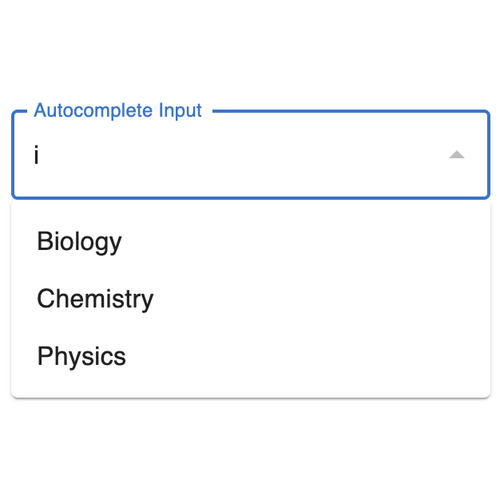
AutocompleteInput
AutocompleteInput
AutocompleteInput
Avatar
Avatar
Avatar
BooleanStatus
BooleanStatus
BooleanStatus
Breadcrumbs
Breadcrumbs
Breadcrumbs
Button
Button
Button
ButtonIcon
ButtonIcon
ButtonIcon
CheckBoxGroup
CheckBoxGroup
CheckBoxGroup
CheckButtonGroup
CheckButtonGroup
CheckButtonGroup
Checkbox
Checkbox
Checkbox
Chip
Chip
Chip
CircularProgress
CircularProgress
CircularProgress
CodeEditor
CodeEditor
CodeEditor
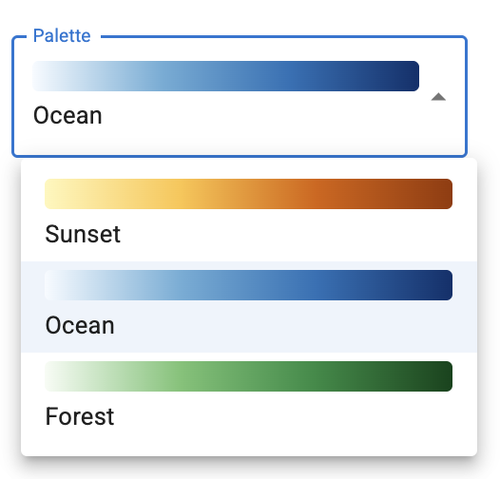
ColorMap
ColorMap
ColorMap
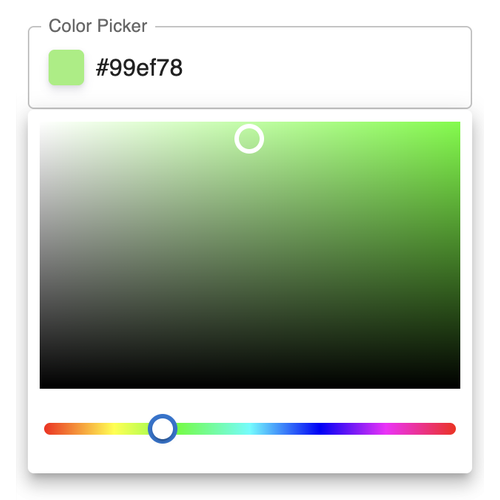
ColorPicker
ColorPicker
ColorPicker
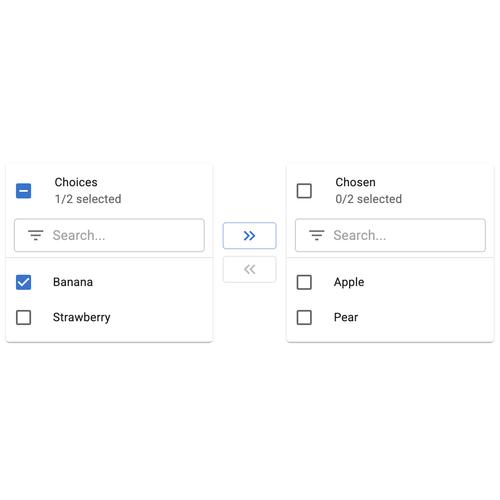
CrossSelector
CrossSelector
CrossSelector
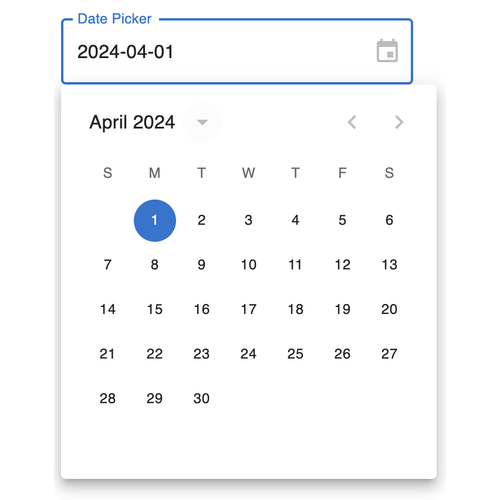
DatePicker
DatePicker
DatePicker
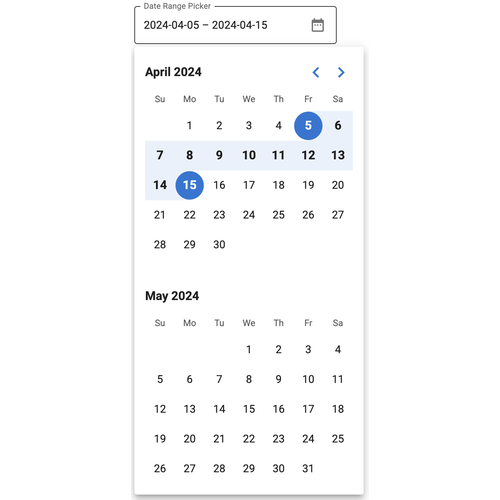
DateRangePicker
DateRangePicker
DateRangePicker
DateRangeSlider
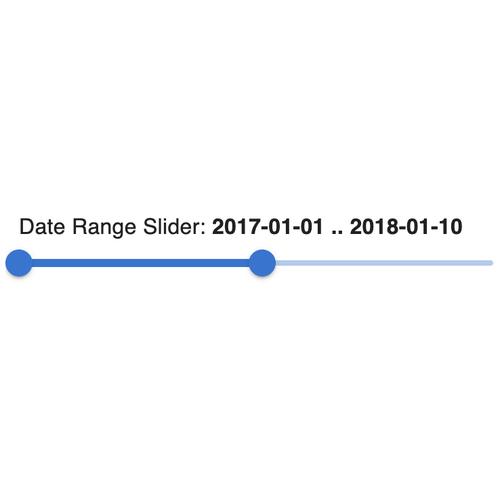
DateRangeSlider
DateRangeSlider
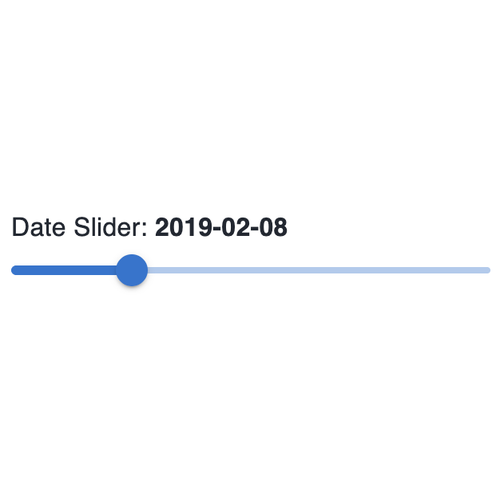
DateSlider
DateSlider
DateSlider
DatetimeInput
DatetimeInput
DatetimeInput
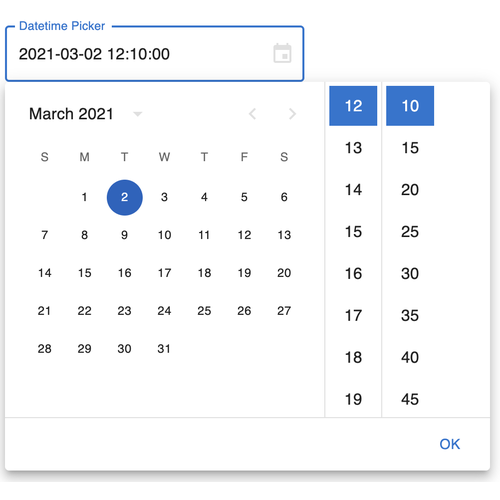
DatetimePicker
DatetimePicker
DatetimePicker
DatetimeRangeInput
DatetimeRangeInput
DatetimeRangeInput
DatetimeRangePicker
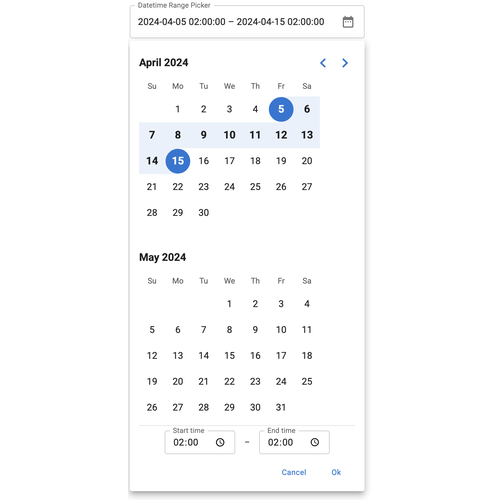
DatetimeRangePicker
DatetimeRangePicker
DatetimeRangeSlider
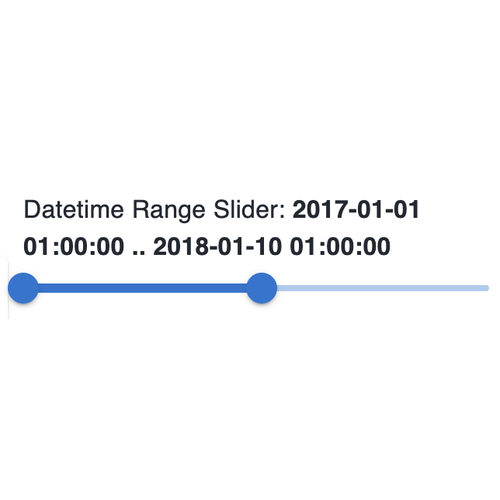
DatetimeRangeSlider
DatetimeRangeSlider
DatetimeSlider
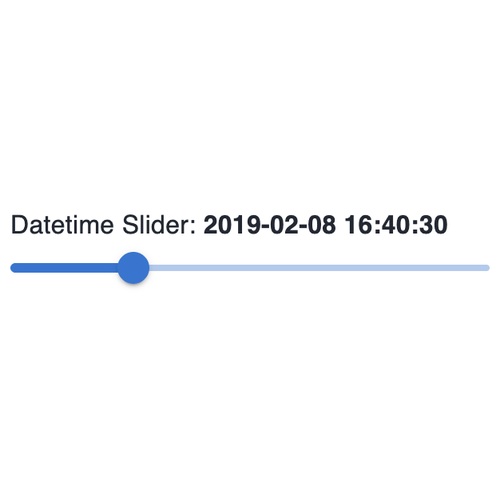
DatetimeSlider
DatetimeSlider
Debugger
Debugger
Debugger
Dial
Dial
Dial
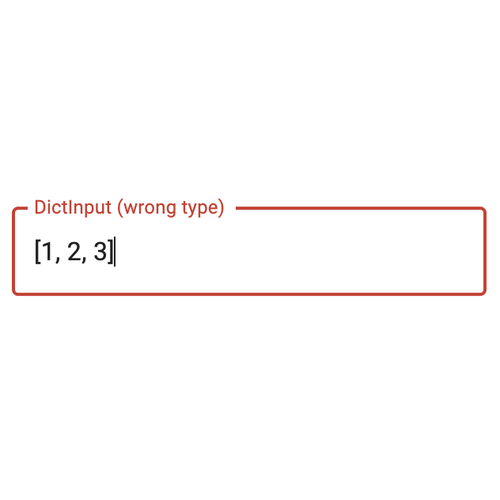
DictInput
DictInput
DictInput
DiscretePlayer
DiscretePlayer
DiscretePlayer
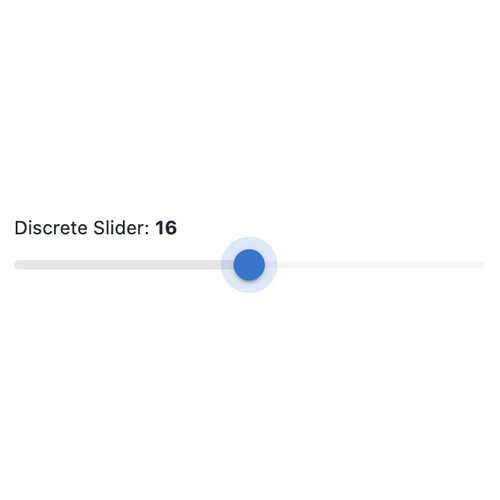
DiscreteSlider
DiscreteSlider
DiscreteSlider
EditableFloatSlider
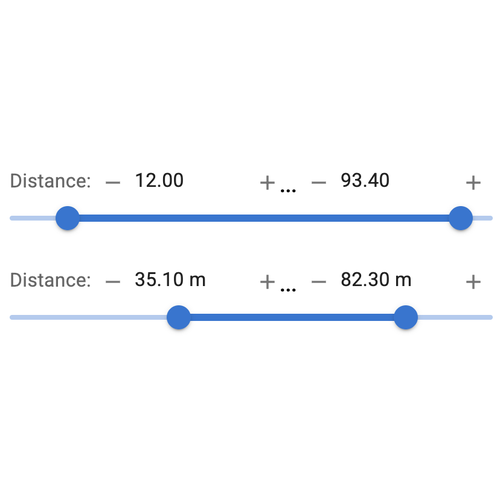
EditableFloatSlider
EditableFloatSlider
EditableIntRangeSlider
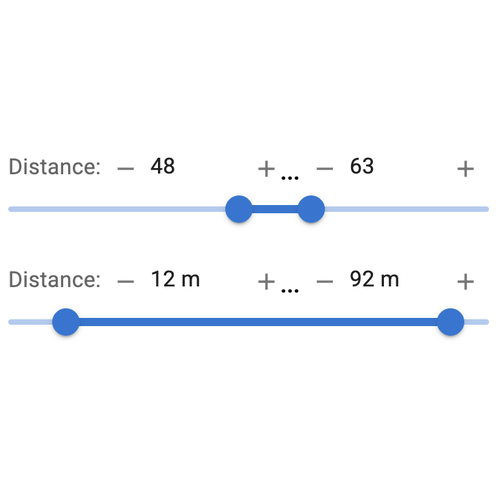
EditableIntSlider
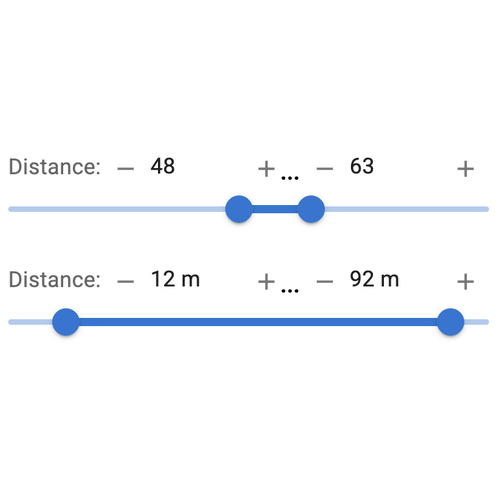
EditableIntSlider
EditableIntSlider
EditableRangeSlider
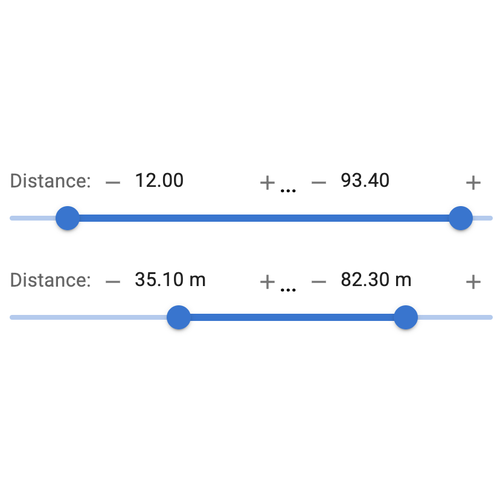
EditableRangeSlider
EditableRangeSlider
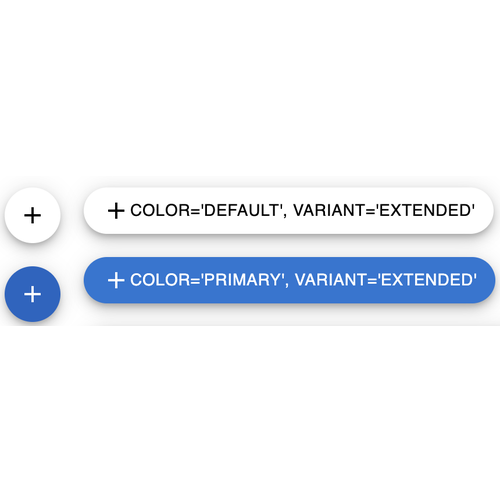
Fab
Fab
Fab
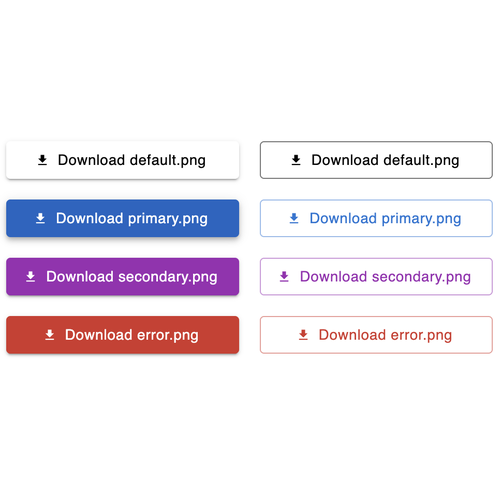
FileDownload
FileDownload
FileDownload
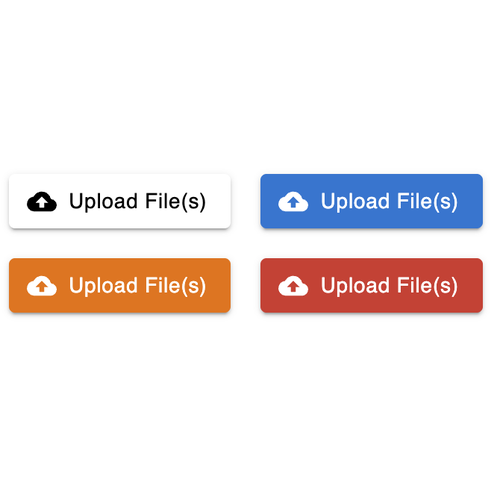
FileDropper
FileDropper
FileDropper
FileInput
FileInput
FileInput
FileSelector
FileSelector
FileSelector
FloatInput
FloatInput
FloatInput
FloatSlider
FloatSlider
FloatSlider
Gauge
Gauge
Gauge
IconButton
IconButton
IconButton
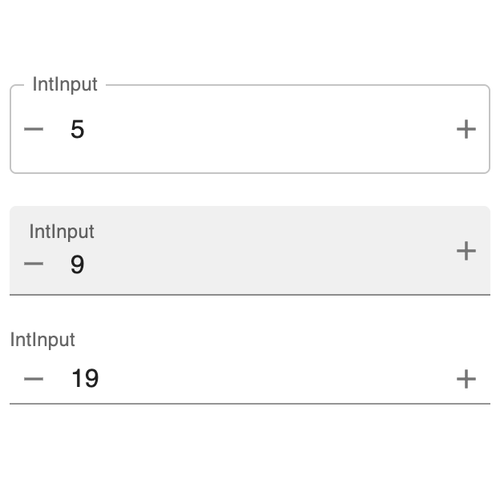
IntInput
IntInput
IntInput
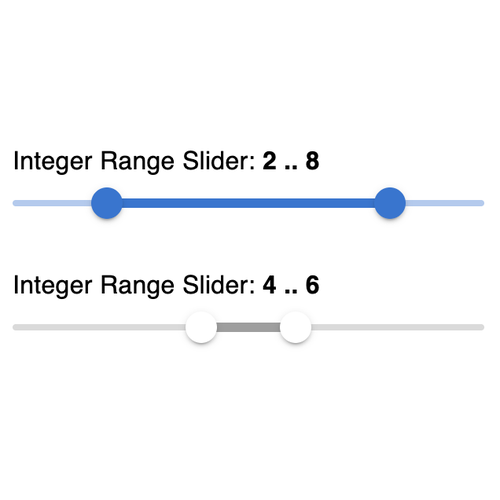
IntRangeSlider
IntRangeSlider
IntRangeSlider
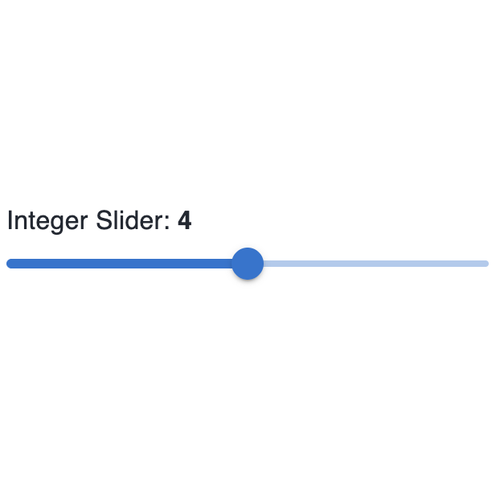
IntSlider
IntSlider
IntSlider
JSONEditor
JSONEditor
JSONEditor
LinearGauge
LinearGauge
LinearGauge
LinearProgress
LinearProgress
LinearProgress
ListInput
ListInput
ListInput
LiteralInput
LiteralInput
LiteralInput
LoadingSpinner
LoadingSpinner
LoadingSpinner
MenuBar
MenuBar
MenuBar
MenuButton
MenuButton
MenuButton
MenuList
MenuList
MenuList
MenuToggle
MenuToggle
MenuToggle
MultiChoice
MultiChoice
MultiChoice
MultiPill
MultiPill
MultiPill
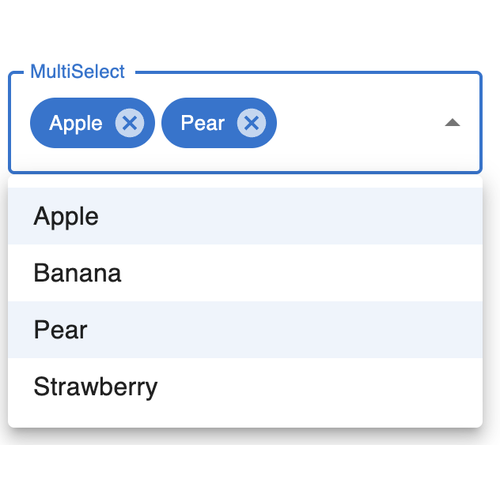
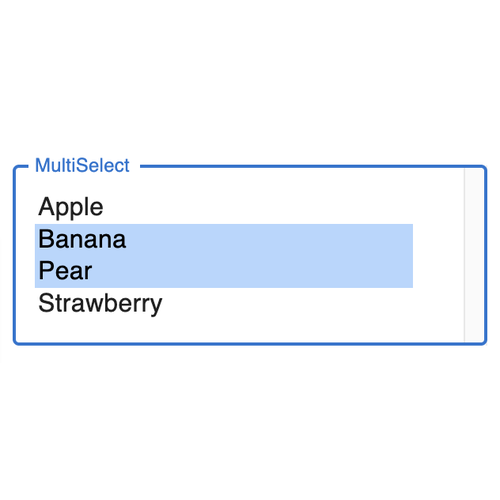
MultiSelect
MultiSelect
MultiSelect
NestedBreadcrumbs
NestedBreadcrumbs
NestedBreadcrumbs
NestedSelect
NestedSelect
NestedSelect
Number
Number
Number
NumberInput
NumberInput
NumberInput
Pagination
Pagination
Pagination
PasswordInput
PasswordInput
PasswordInput
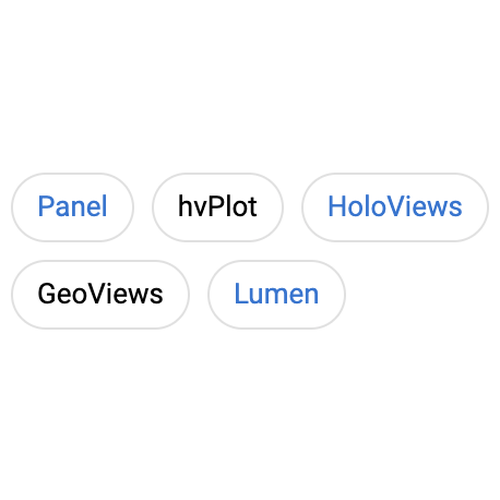
Pill
Pill
Pill
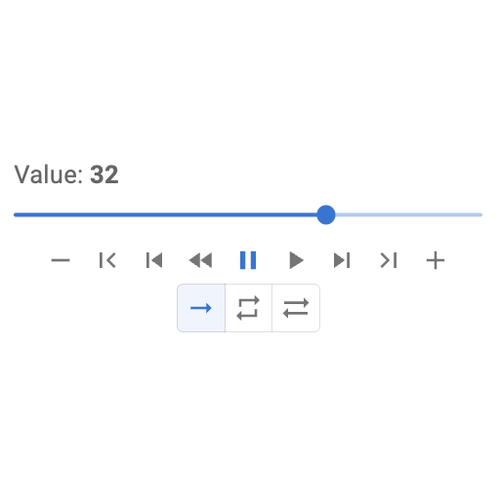
Player
Player
Player
Progress
Progress
Progress
RadioBoxGroup
RadioBoxGroup
RadioBoxGroup
RadioButtonGroup
RadioButtonGroup
RadioButtonGroup
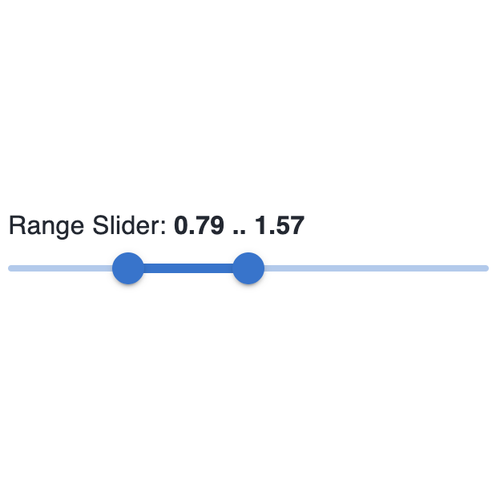
RangeSlider
RangeSlider
RangeSlider
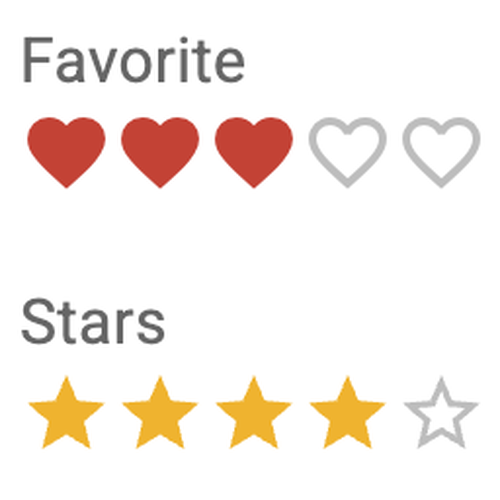
Rating
Rating
Rating
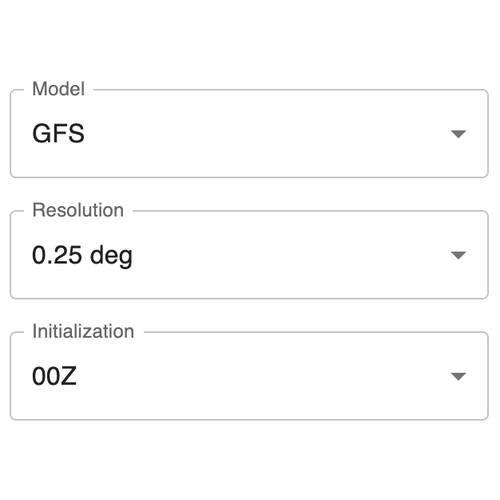
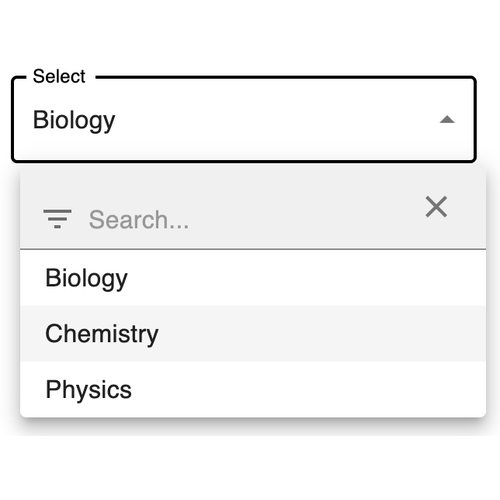
Select
Select
Select
SpeechToText
SpeechToText
SpeechToText
SpeedDial
SpeedDial
SpeedDial
SplitButton
SplitButton
SplitButton
StaticText
StaticText
StaticText
StepperMenu
StepperMenu
StepperMenu
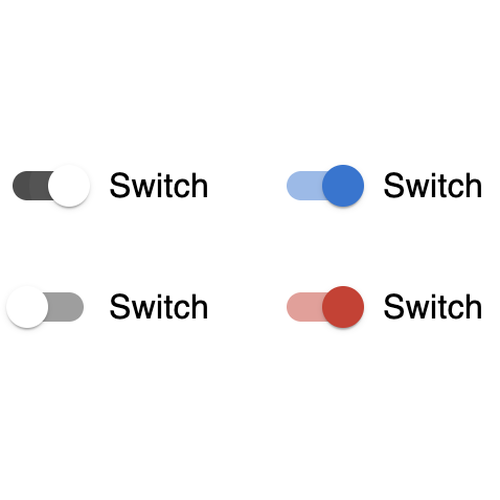
Switch
Switch
Switch
TabMenu
TabMenu
TabMenu
Tabulator
Tabulator
Tabulator
Terminal
Terminal
Terminal
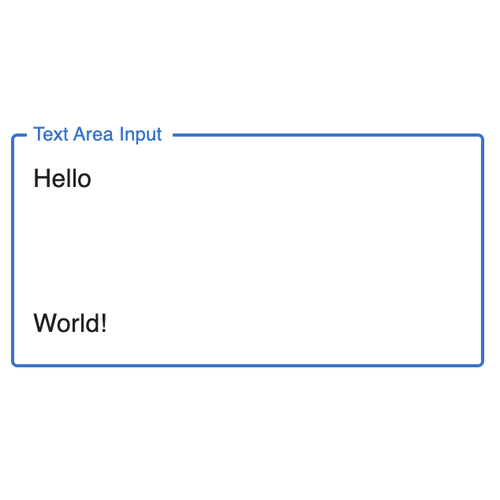
TextAreaInput
TextAreaInput
TextAreaInput
TextEditor
TextEditor
TextEditor
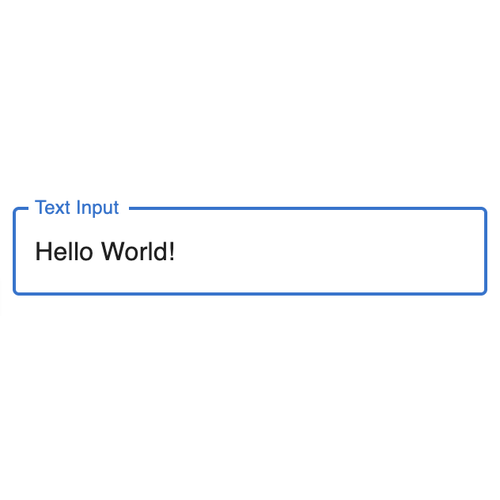
TextInput
TextInput
TextInput
TextToSpeech
TextToSpeech
TextToSpeech
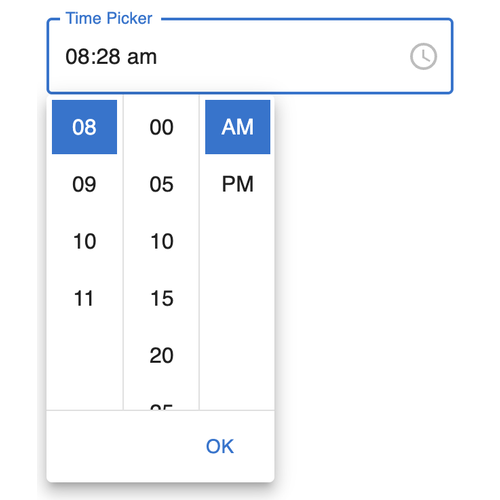
TimePicker
TimePicker
TimePicker
Toggle
Toggle
Toggle
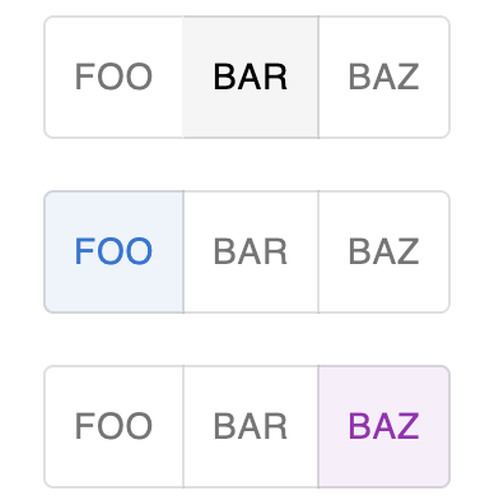
ToggleGroup
ToggleGroup
ToggleGroup
ToggleIcon
ToggleIcon
ToggleIcon
TooltipIcon
TooltipIcon
TooltipIcon
Tqdm
Tqdm
Tqdm
Tree
Tree
Tree
Trend
Trend
Trend
TupleInput
TupleInput
TupleInput
VideoStream
VideoStream
VideoStream

Layouts#

Accordion
Accordion
Accordion
Alert
Alert
Alert
Backdrop
Backdrop
Backdrop
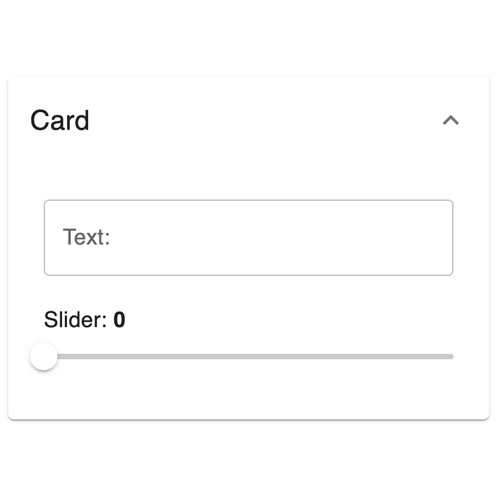
Card
Card
Card
Column
Column
Column
Container
Container
Container
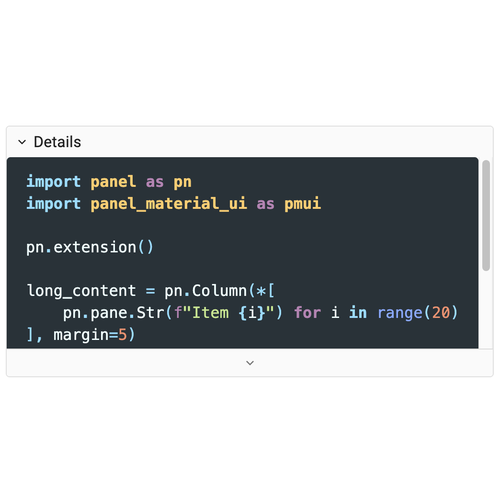
Details
Details
Details
Dialog
Dialog
Dialog
Divider
Divider
Divider
Drawer
Drawer
Drawer
Feed
Feed
Feed
FlexBox
FlexBox
FlexBox
FloatPanel
FloatPanel
FloatPanel
Grid
Grid
Grid
GridBox
GridBox
GridBox
GridSpec
GridSpec
GridSpec
GridStack
GridStack
GridStack
HSpacer
HSpacer
HSpacer
Modal
Modal
Modal
Paper
Paper
Paper
Popup
Popup
Popup
Row
Row
Row
Spacer
Spacer
Spacer
Swipe
Swipe
Swipe
Tabs
Tabs
Tabs
VSpacer
VSpacer
VSpacer
WidgetBox
WidgetBox
WidgetBox

Panes#

AVIF
AVIF
AVIF
Audio
Audio
Audio
Bokeh
Bokeh
Bokeh
DataFrame
DataFrame
DataFrame
DeckGL
DeckGL
DeckGL
ECharts
ECharts
ECharts
GIF
GIF
GIF
HTML
HTML
HTML
HoloViews
HoloViews
HoloViews
ICO
ICO
ICO
IPyLeaflet
IPyLeaflet
IPyLeaflet
IPyWidget
IPyWidget
IPyWidget
Image
Image
Image
Interactive
Interactive
Interactive
JPG
JPG
JPG
JSON
JSON
JSON
LaTeX
LaTeX
LaTeX
Markdown
Markdown
Markdown
Matplotlib
Matplotlib
Matplotlib
PDF
PDF
PDF
PNG
PNG
PNG
ParamFunction
ParamFunction
ParamFunction
ParamMethod
ParamMethod
ParamMethod
ParamRef
ParamRef
ParamRef
Perspective
Perspective
Perspective
Placeholder
Placeholder
Placeholder
Plotly
Plotly
Plotly
RGGPlot
RGGPlot
RGGPlot
ReactiveExpr
ReactiveExpr
ReactiveExpr
Reacton
Reacton
Reacton
SVG
SVG
SVG
Str
Str
Str
Streamz
Streamz
Streamz
Textual
Textual
Textual
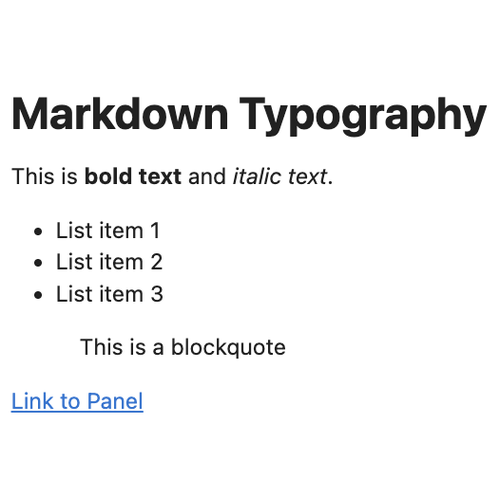
Typography
Typography
Typography
VTKVolume
VTKVolume
VTKVolume
Vega
Vega
Vega
Video
Video
Video
Vizzu
Vizzu
Vizzu
YT
YT
YT

Chat#

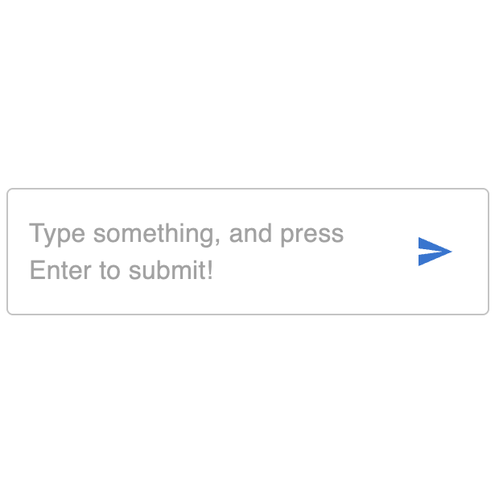
ChatAreaInput
ChatAreaInput
ChatAreaInput
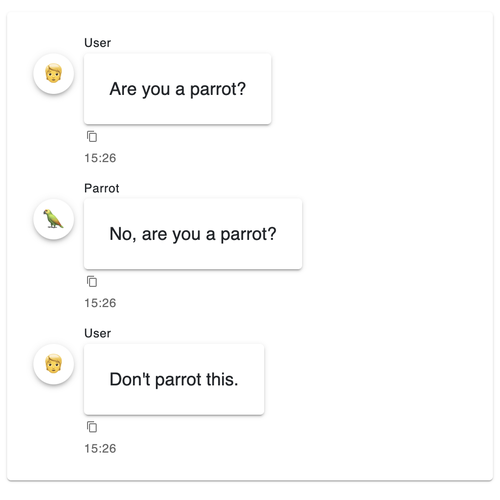
ChatFeed
ChatFeed
ChatFeed
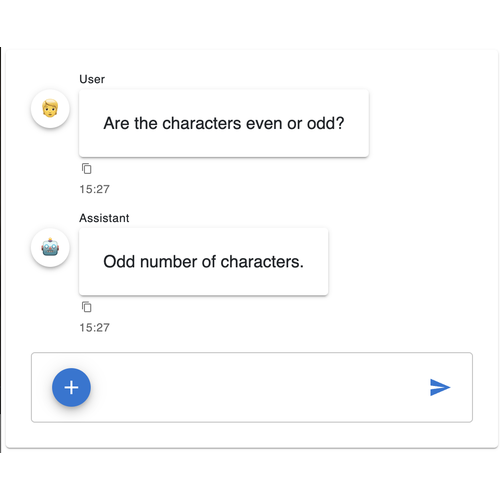
ChatInterface
ChatInterface
ChatInterface
ChatMessage
ChatMessage
ChatMessage
ChatReactionIcons
ChatReactionIcons
ChatReactionIcons
ChatStep
ChatStep
ChatStep

Indicators#

BooleanStatus
BooleanStatus
BooleanStatus
CircularProgress
CircularProgress
CircularProgress
Dial
Dial
Dial
Gauge
Gauge
Gauge
LinearGauge
LinearGauge
LinearGauge
LinearProgress
LinearProgress
LinearProgress
LoadingSpinner
LoadingSpinner
LoadingSpinner
Number
Number
Number
Progress
Progress
Progress
String
String
String
TooltipIcon
TooltipIcon
TooltipIcon
Tqdm
Tqdm
Tqdm
Trend
Trend
Trend

Wrappers#

Badge
Badge
Badge
Clickable
Clickable
Clickable
Skeleton
Skeleton
Skeleton
Tooltip
Tooltip
Tooltip
Transition
Transition
Transition
Wrapper
Wrapper
Wrapper

Templates#

Classic templates are still available, but new applications should use pn.ui.Page. Browse the classic template reference for the older APIs.

AppBar

AppBar
AppBar
BreakpointSwitcher
BreakpointSwitcher
BreakpointSwitcher
Page
Page
Page
ThemeToggle
ThemeToggle
ThemeToggle

Classic Reference#

The original Panel components and their reference guides.
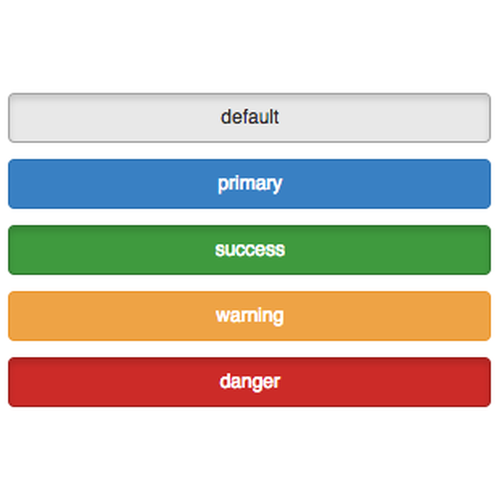
Classic Component Gallery

classic/index.html

previous

Comparing Panel and Bokeh

next

Classic Component Reference

Support us with a star on GitHub
launch jupyterlite
On this page
  • Widgets
  • Layouts
  • Panes
  • Chat
  • Indicators
  • Wrappers
  • Templates
  • Classic Reference

© Copyright 2019-2026 Holoviz contributors.

Created using Sphinx 9.1.0.

Built with the PyData Sphinx Theme 0.16.1.